Live laser engraving for events
Turn a laser engraver into an event attraction. Guests take a photo or choose a design on a tablet and walk away with an engraved keepsake in about a minute.
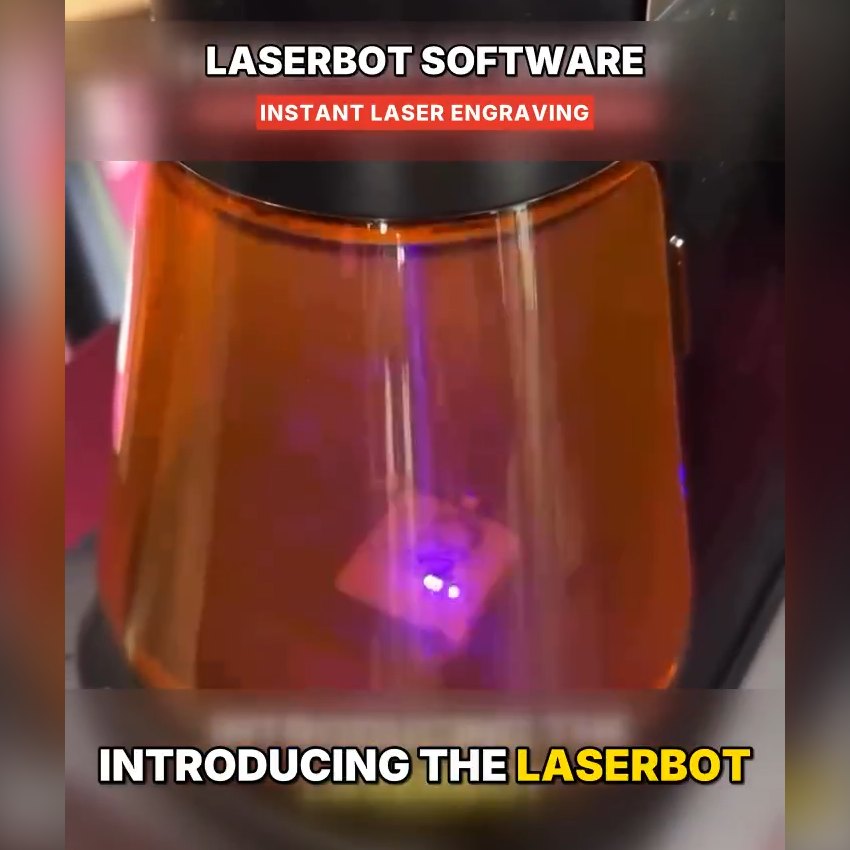
From the guest’s tap to a finished keepsake in three steps.
Guests choose one of your event templates on the tablet, or take a selfie that AI turns into a clean sketch.
The operator loads the blank. Laserbot places the artwork and controls the laser.
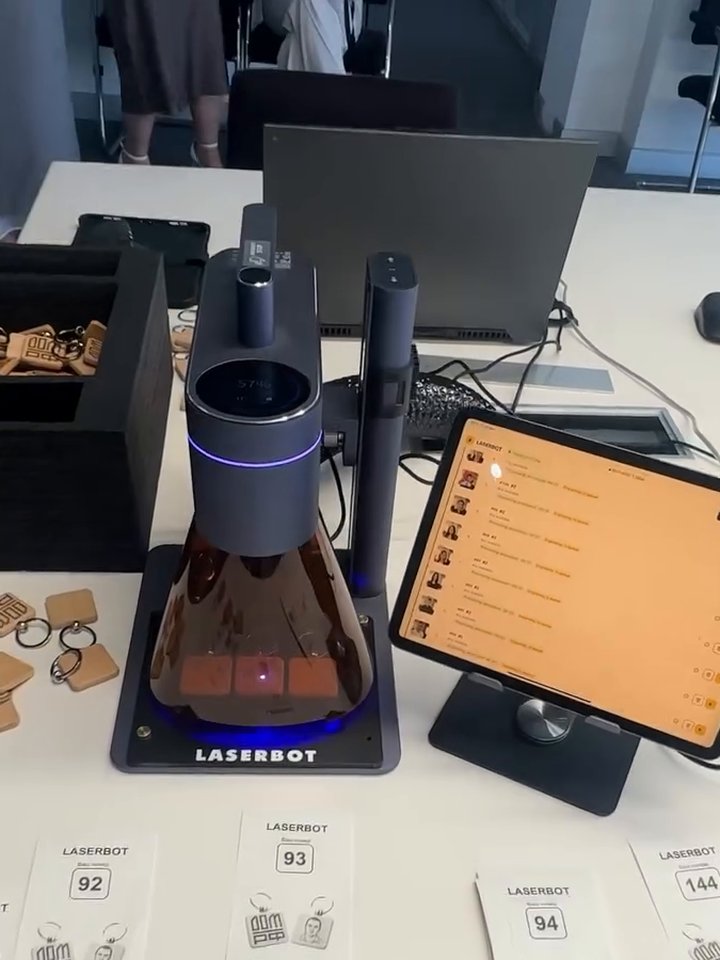
With numbered tickets the line keeps moving, and each piece is ready in about a minute.
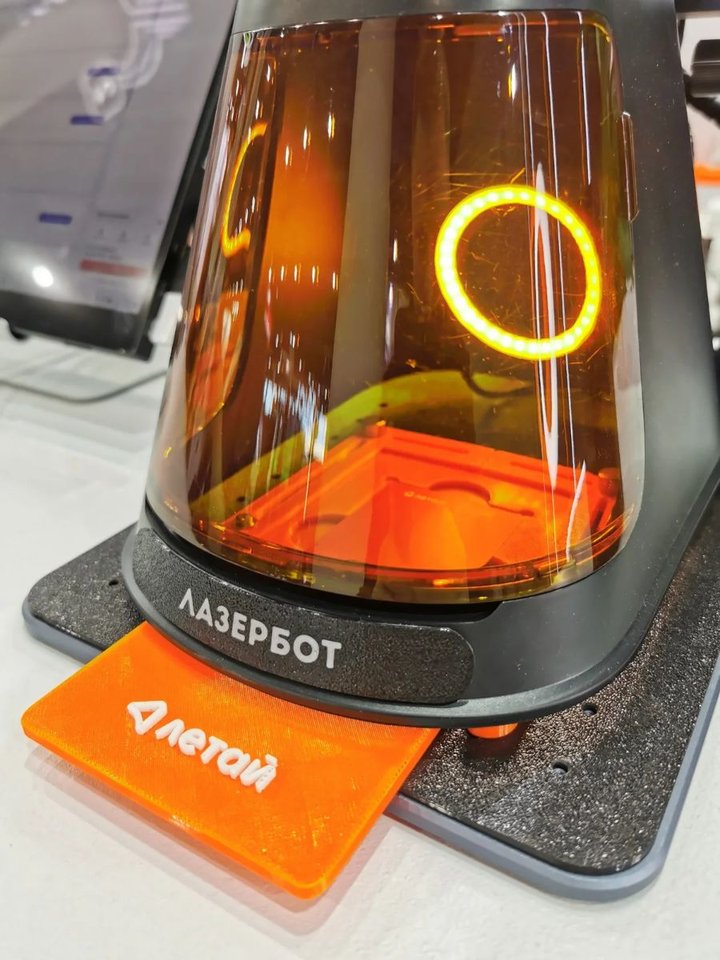
Software, guest tablet and dual-laser engraver working as one station.
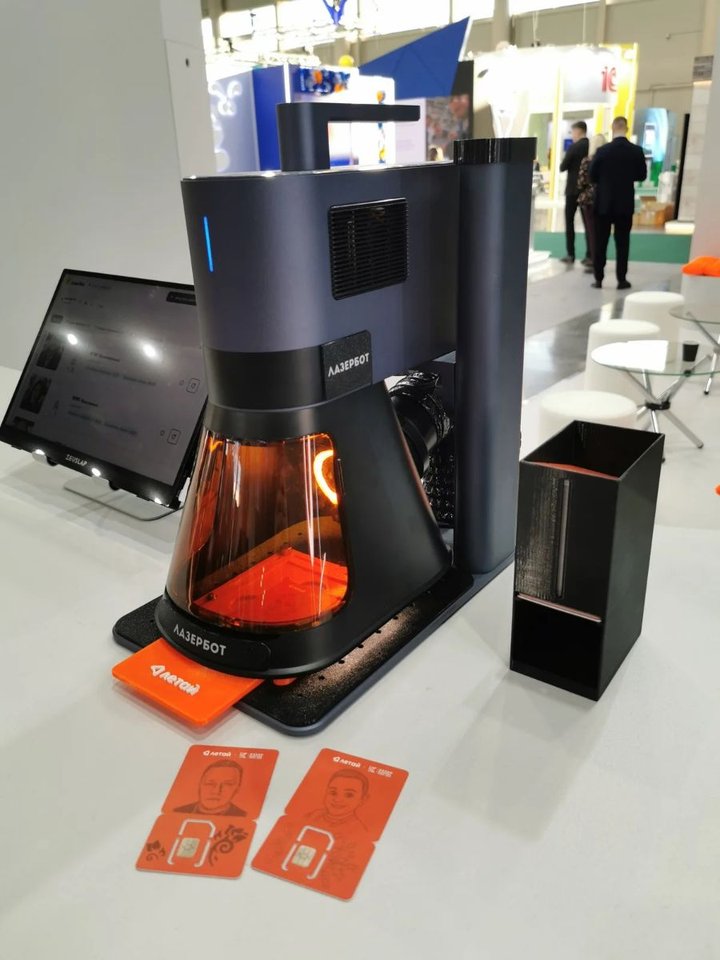
A live beam engraving a guest’s design draws a crowd on its own.
Load logos or themed artwork and let guests pick their favorite.
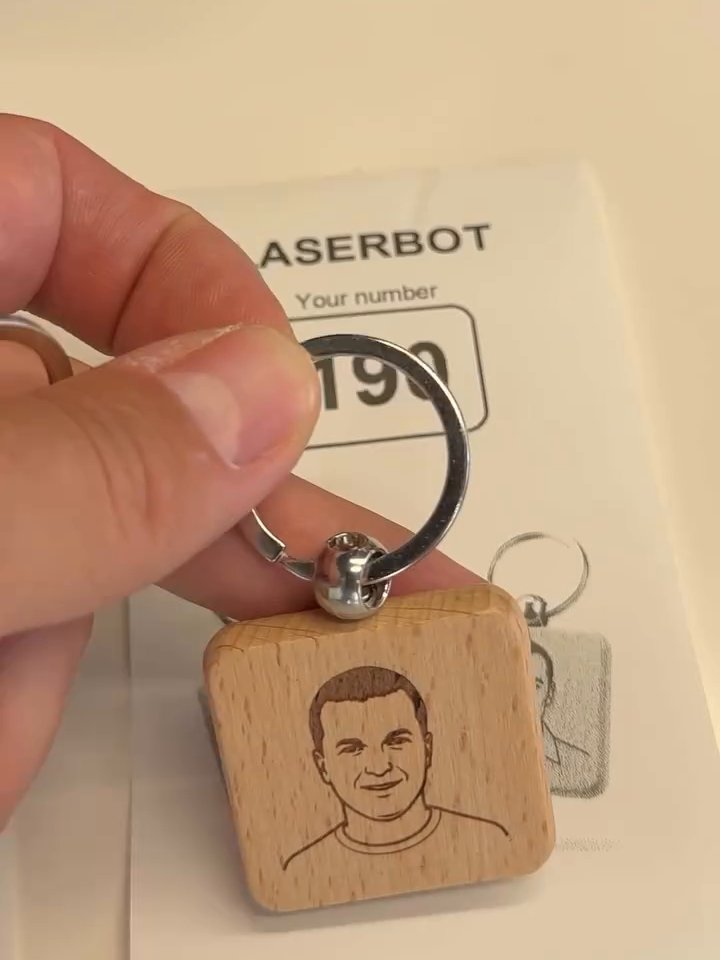
The software converts each guest photo into an engraving-ready portrait.
Two laser sources cover organic materials and bare metals.
Personalization is automatic. The operator just loads and confirms.
Engraving doesn’t wear off, so the brand stays with guests for months.
Laserbot runs on the LaserPecker LP5 with two laser sources.
For organic materials.
Permanent marking on bare metal.
Ideal items around 100 × 100 mm: keychains, tags, name plates, cards, flasks and cups. Rotary support for cylinders up to Ø 200 mm.
A Laserbot owner engraved a guest portrait on one side and the client logo on the other at a corporate event.
Pay once, use it at every event. No subscription.
Lifetime license
$2,500USD
One-time payment · free updates for life
LaserPecker LP5 + Laserbot software
Price on request
Ready for your first event
System requirements: Windows 10/11 · Intel i5 8th gen or newer · 8 GB RAM · USB or Wi-Fi to the engraver · tablet for guests
Laserbot is laser booth software for live events. Guests choose a design or take a photo on a tablet, and the software prepares the artwork and runs the laser to engrave a personalized keepsake in about a minute.
Laserbot runs on the LaserPecker LP5 dual laser. You can use an LP5 you already own or buy it with the software as a full package.
The diode laser handles wood, acrylic, leather, glass, stone, ceramics, paper and rubber. The fiber laser marks bare metal permanently: stainless steel, aluminum, brass, copper, silver, gold and titanium.
Yes. In photo mode the software turns the guest’s picture into an engraving-ready sketch automatically, so no designer is needed on site.
A Windows 10 or 11 PC with an Intel i5 (8th gen or newer) and 8 GB of RAM, connected to the engraver by USB or Wi-Fi, plus a tablet for guests.
No. The $2,500 is the lifetime software license. The LaserPecker LP5 is available in the full package, priced on request.
Yes. Many operators offer both at the same event: the Sketch Robot draws the guest’s portrait on paper and Laserbot engraves a keepsake to take home.
Tell us if you need the software, the full package or a quote, and we'll reply with the details.
Request a quote
Selfie 360 is the ultimate 360 photo booth software for GoPro cameras and iPhone.